
Screen to GIF
Screen to GIF, sharp.
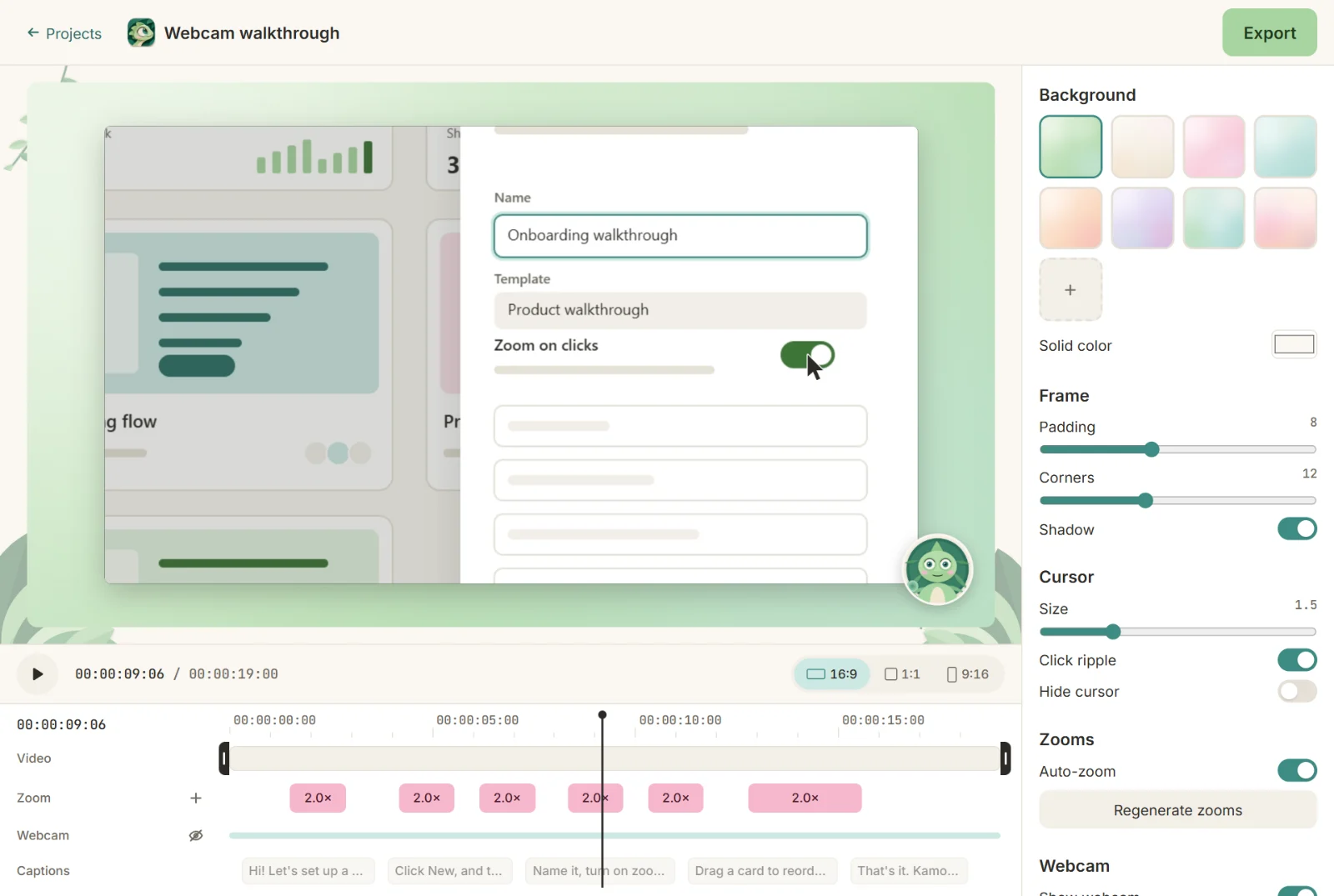
Record just the part of the screen that matters and export a GIF that loops cleanly and loads fast. Kamo adds the zooms; you just click.

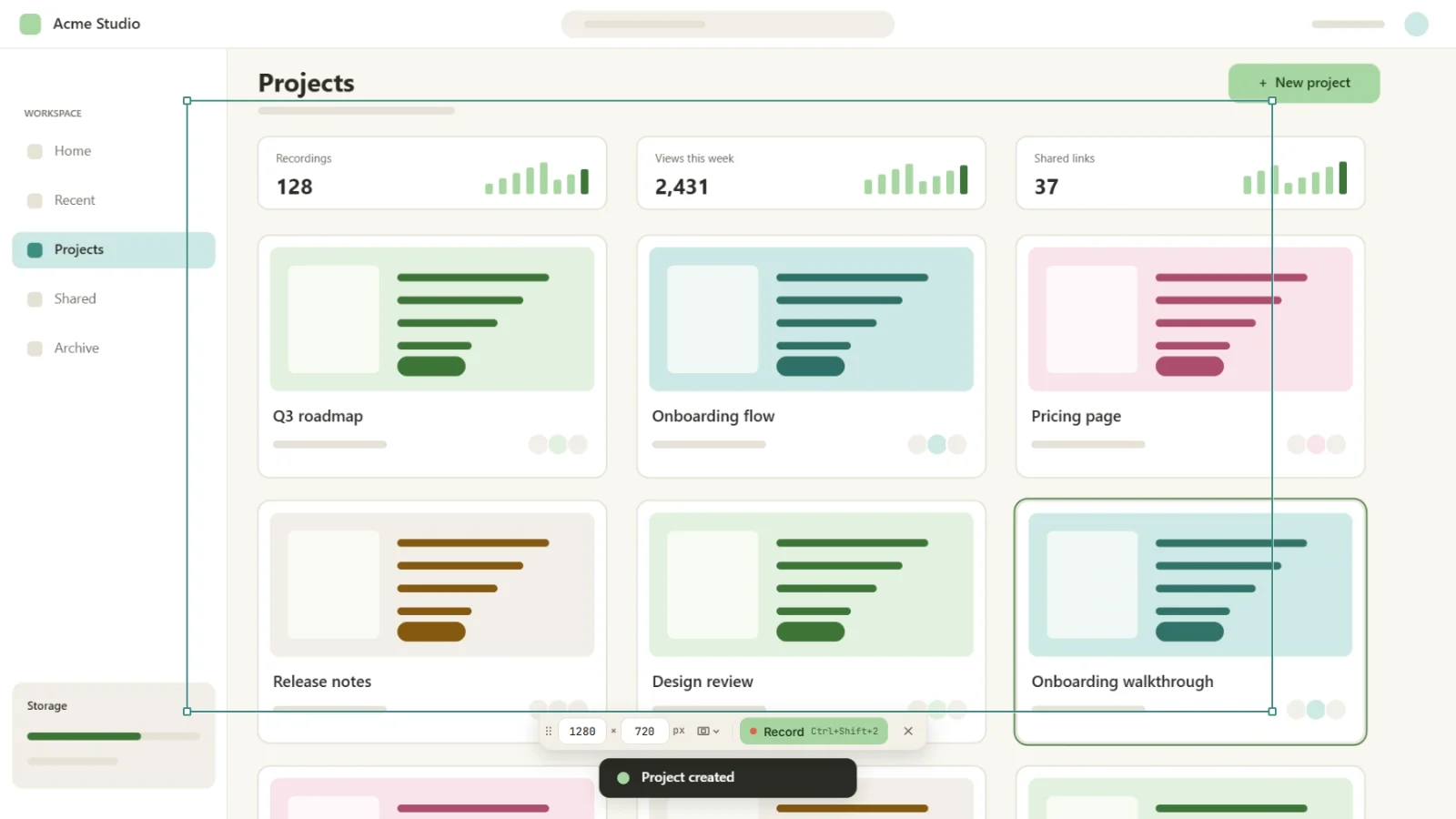
Up to 1280 px
At 10 or 15 fps, looping, no sound, optimized palette.
Size before you export
Kamo estimates the file size, so you know if it fits a README.
MP4 in the same go
Export a square MP4 for your launch post together with the GIF.
Three steps, zero editing
- 1
Record
Pick the screen, a window or an area. Mic, computer sound and camera are one toggle each.
- 2
Click
Use your app as usual. Every click becomes a smooth zoom.
- 3
Export
MP4 up to 4K60 or GIF, in 16:9, 1:1 and 9:16 at once.
Questions
Can I convert an existing video to GIF?
Yes, in your browser: our free MP4 to GIF tool converts on your computer, without uploading the video.
How do I keep the GIF small?
Record a smaller area, keep it short (5 to 15 seconds) and try 10 fps.
Will the GIF have a watermark?
No. Never.

Try it on your next recording.
Free, open source, no account. Your first edited video is one download away.