
For creators
Tutorials that stop the scroll.
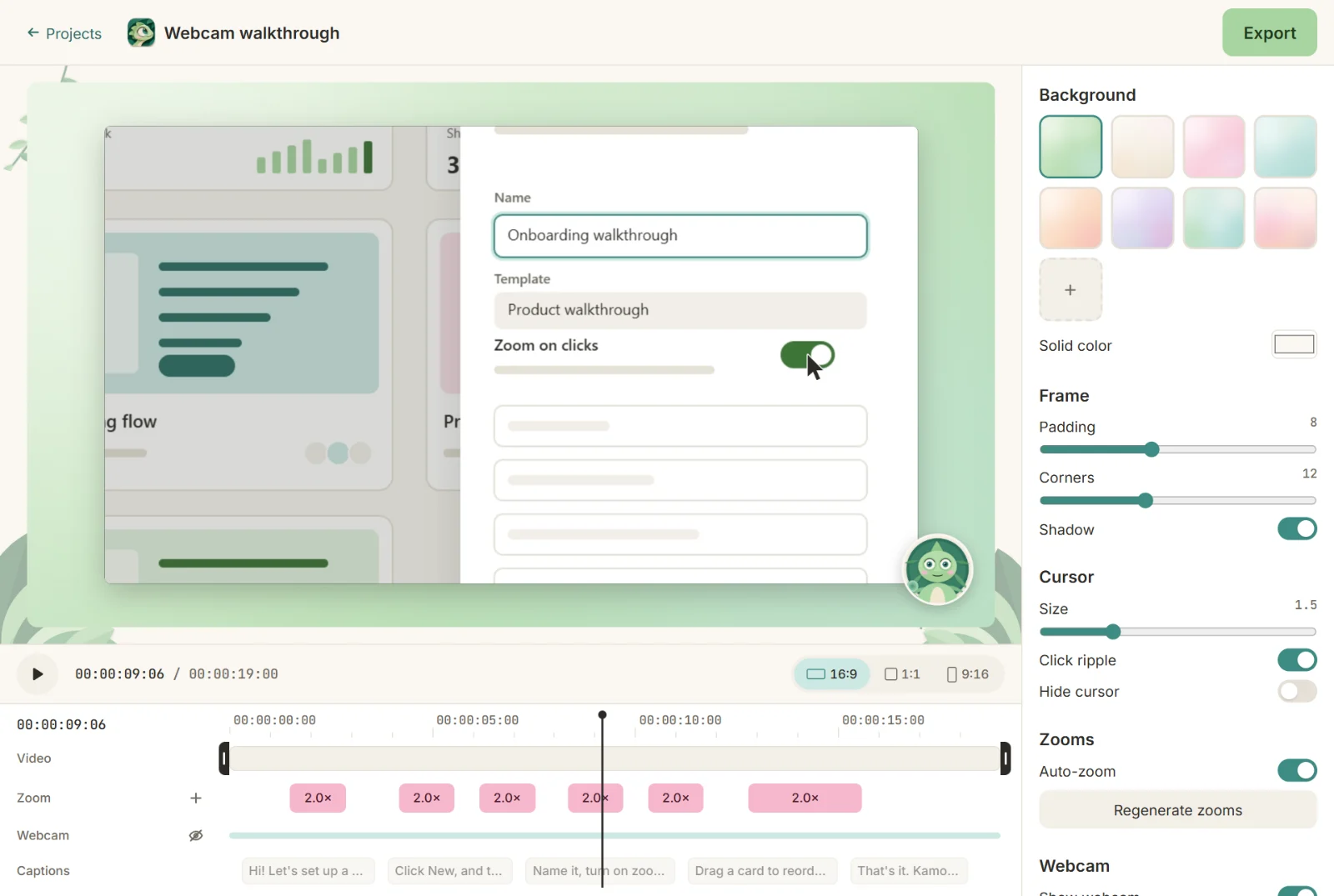
Record once, post on Reels, Shorts, TikTok and YouTube. Kamo crops 9:16 around your clicks, puts your face in a bubble and burns in the captions.

Sound familiar?
Vertical crops cut off the thing you're clicking.
Captions take longer than the video itself.
Every platform wants a different format.
How Kamo helps
9:16 that follows the action
In vertical, the frame follows your clicks and cursor, so the important part never leaves the screen.
Your face, in a bubble
Round or square in any corner, or its own card under the screen in 9:16. It shrinks while the camera zooms.
Captions in 12 styles
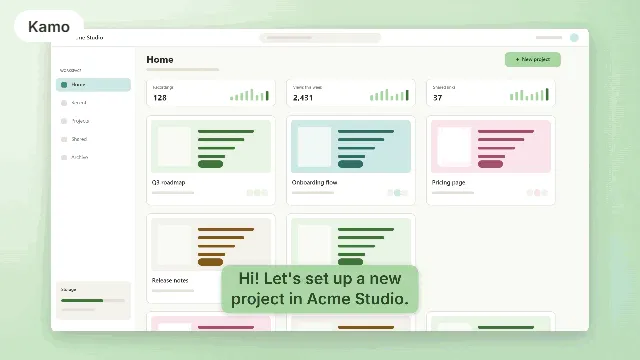
Transcribed on your computer, editable on the timeline, burned in or exported as .srt.
Free, no watermark
No subscription to export, no logo on your video, no time limit.
Heads-up: the transcription pack is still being published. Until it's out, you can export without captions and add them later.
Our recipe
- 1
Turn on Record at 60 fps for smooth motion.
- 2
Turn on the camera and talk while you click.
- 3
Pick a caption style that fits your channel.
- 4
Export 9:16 with captions burned in, plus 16:9 for YouTube.

See also
Try it on your next recording.
Free, open source, no account. Your first edited video is one download away.